You found Match the Memory because you wanted something better than a worksheet. You had content your students needed to learn — vocabulary words, historical figures, math facts, science terms — and you wanted a way to make that practice feel less like a chore. A memory game seemed perfect: low-stakes, repeatable, actually fun. So you sat down to build one.
And then the editor got in your way.
You open the editor and there’s no clear place to start. Uploading images doesn’t behave the way you expect. Eventually you piece something together — and then you’re left wondering if it’s actually ready to use. You’re a teacher, not a web developer — you shouldn’t have to feel like one just to put together a matching game for your class.
I’ve been building Match the Memory for over a decade, and I wanted to see where it was actually breaking down. So I looked at tens of thousands of games that teachers like you have actually made and published. What I found was a mismatch: most people were building games one way, and the editor was pushing them in a different direction. So I rebuilt it around your workflows.
The create process now starts with a short wizard instead of a blank editor. Title, number of pairs, card type — a few choices, and you’re in.
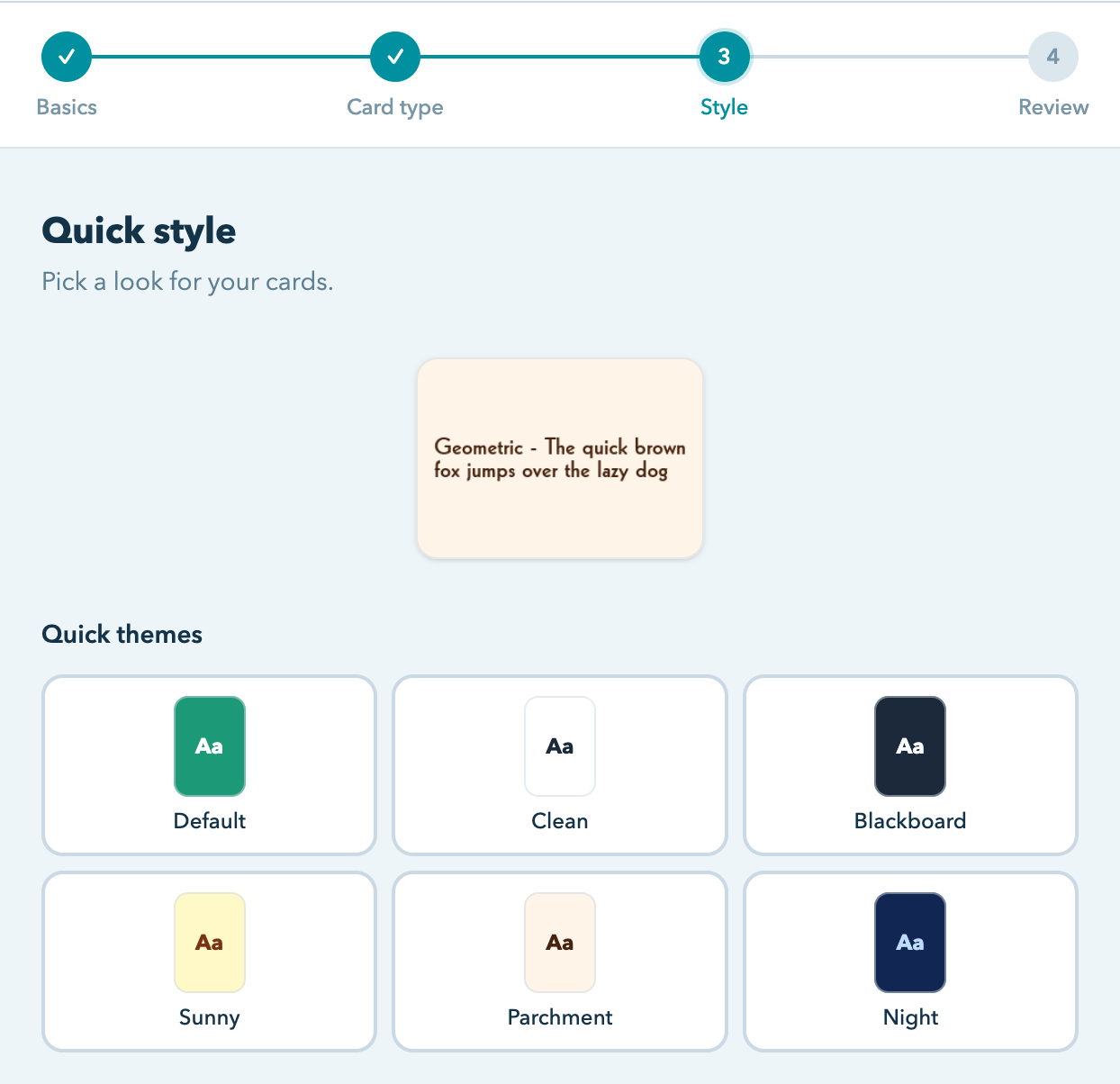
Image uploads are now the starting point. This was always there, but it was buried. Drop in your images and the cards are created automatically — filenames become titles. (Pro tip: name your files before uploading — “mitochondria.jpg” becomes a card titled “mitochondria,” no typing required.)
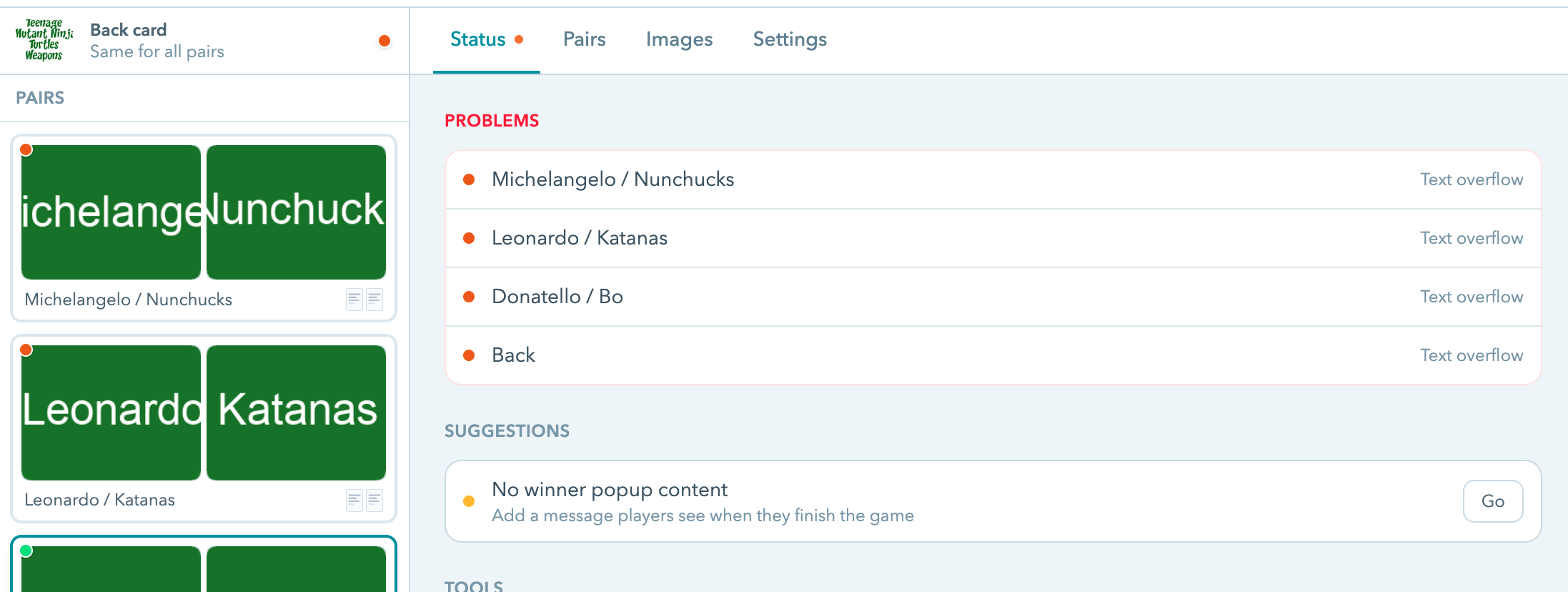
The Status view shows what’s complete, what still needs attention, and whether the game is ready to share. If something’s missing, it tells you.
Sharing is still a single link, and it works on any device — no login required.
Go try it. Create a game →
You can have an idea for a game during your planning period and have your students playing it after lunch. There’s more coming, but this is a good place to start.